You're only using half of each blog post you write
A genuinely good blog post can honestly become five or six separate pieces of content. I’ve turned blog posts into way more than that. So it drives me dotty that most businesses put all that effort into writing a blog post, then publish it and think that’s that … wondering why content creation feels like a never-ending chore.
There's a simple habit that changes this, and it takes about ten minutes once you know what you're looking for. You go back into a post you've already written and mine it for what's already there: the answer, the example, the line that would work just as well as a caption. You don’t need to do any new writing, because you can use what you’ve already done.
How many pieces of content can one blog post become?
Years ago, before AI could repurpose content in seconds, I had a workshop showing people how you could create over 80 pieces of content from a single, standard-length blog post. Magic? No. It’s all about writing the original post so that it’s easy to lift specific pieces out cleanly, rather than having to chisel them out and polish them before you can use them again.
Even without AI, a well-written blog post can typically become five to six pieces of great content:
the original post
a newsletter section
at least one social caption
a short-form video script
an FAQ entry
a saved reply for sales conversations
And that's before you get into the other places one post can turn up. A Google Business post, keeping your profile alive without you having to think of something new. A few lines of a podcast script, if talking is easier for you than writing. A slide in a lead magnet. A LinkedIn article version for a slightly different audience.
The original thinking does all of it. You're just deciding where it goes next.
Isn't a blog post just... a blog post?
Not if you're doing it right.
When you write a proper answer to a real question someone’s actually asked you, you've already done the hard part. You’ve thought it through, found the words, worked out how to explain it without sounding like a jargonny sales brochure.
Publishing it as a blog post is one use of that thinking. But that’s it — single use. And it ends up that way because you post and forget about it, rather than recognise it for the wonderful content asset it is, ready to be mined for more. (Be honest. When did you last reread one of yours?)
That same explanation in blog form can be trimmed down for a newsletter. Pull one paragraph out and it's a social post. The direct answer on its own is something you can paste into an email next time a prospective client asks you the exact same question, which they will, because if one person asked, ten more are wondering the same thing.
Where can one blog post actually go?
Let’s look at those six places I mentioned before, and see how you can chop up and deploy different parts of a well-written blog.
A newsletter section. The direct answer plus a line of context, dropped as a section or full email to your list.
A social caption. A strong paragraph, a quote, or a bullet pointed list like this one here as a carousel.
A carousel or short video script. The shape of a good blog section, context, example, next step, maps almost directly onto a short-form outline. You've basically already written the script. You just haven't recorded it yet.
A saved reply. If your post answers a question, you can put your direct answer in your post (often at the top), and then it’s ready to paste into an email or DM next time someone asks the same thing. Better yet, you can link them to the blog post, where they are on your website and in a great position to explore what you can offer them.
An FAQ entry. If it answers a genuine, recurring question, it belongs on your website's FAQ section too, shortened down. Again, you can link to the full post (internal links on your site are great for SEO).
A sales conversation talking point. Having already written your clearest answer to a common question means you don’t have to improvise under the pressure of a discovery call. It’s also great to be able to send a blog post as a resource to your leads to be helpful, showcase your expertise, and give you a good reason to follow up.
How do you write posts that repurpose well from the start?
We’re here to make content creation easier, and this approach works far better if you build it in from the beginning, rather than trying to retrofit it after the post is live.
Write the direct answer as its own standalone paragraph. If it can't stand alone, separate from the rest of the post, it won't work as a saved reply or a caption either. It'll just be a floating paragraph that needs editing before you can reuse it.
Keep one example self-contained. An example that needs three paragraphs of setup before it makes sense won't survive being lifted out. If it only works because the reader already knows the backstory, the industry, or the client, it becomes too messy to untangle and repurpose.
A tight example does its own explaining. A coach might write: "A client kept saying she wanted 'more clients' without knowing which ones. We got specific: three ideal client profiles, written in a morning." Two sentences, job done.
Or if you sell a product: "Customers kept returning the medium because our sizing ran small. We added a proper size chart with real measurements. Returns dropped by a third."
It’s a self-contained micro story. No multi-paragraph run-up, no “as I mentioned earlier”, no “to give you some background”. This way you drop the example straight into a caption, a newsletter or a sales email and it still makes sense sitting there on its own.
End with one clear next step, not a summary. When writing a call to action, a single closing line repurposes far more easily into a caption ending or an email sign-off than a paragraph that recaps everything you just said.
Won't reusing content feel repetitive?
No. First of all, remember that even your biggest fan doesn’t see everything you put out. We have algorithms, the busy-ness of modern life and short attention spans to thank for that.
Also, a newsletter reader and an Instagram follower rarely overlap perfectly, and even when they do, seeing the same idea explained two different ways, in two different formats, feels like consistency, not repetition.
You will probably also often feel like you want to tweak words or presentation here and there rather than do a complete copy and paste job. The difference is tweaking takes seconds, whereas starting with a blank page each time can set you back hours.
What should you do with this?
You don't need to write more. You need to look again at what you've already written.
Open your last blog post. Find the paragraph that could stand alone as a caption. Find the line that answers the question people keep asking you anyway. Pull them out and use them somewhere else this week.
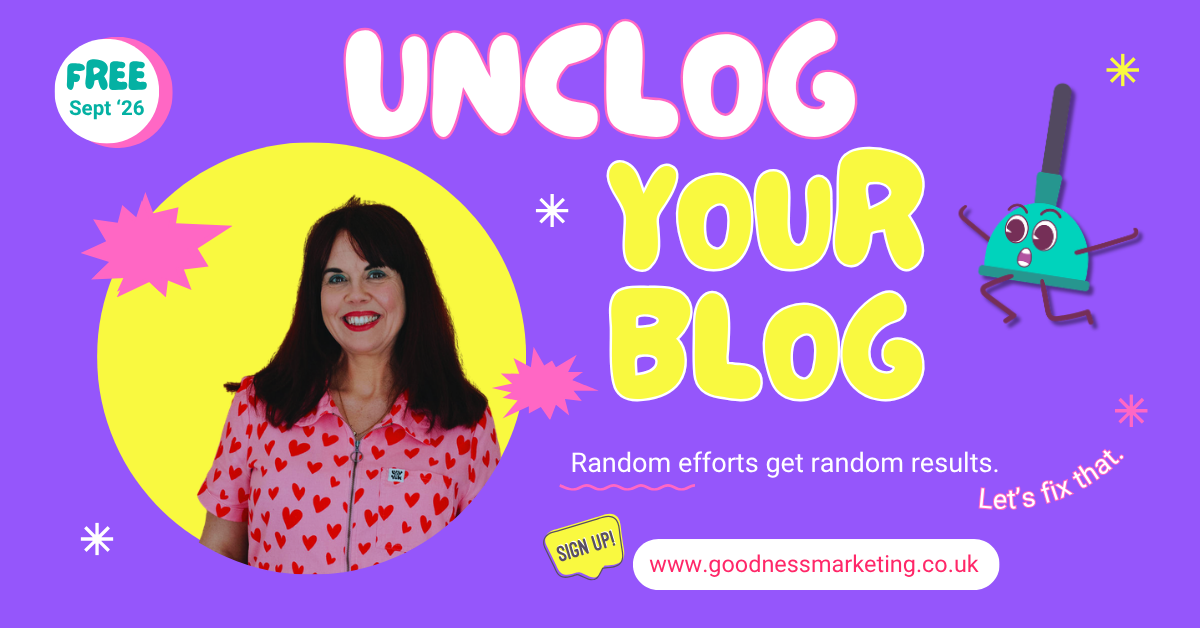
You can also book onto the free Unclog Your Blog workshop I’m running next week. Let’s get your writing flowing again.